Your business runs itself. You run the business.
CreAIve Labs is one AI operating system built around your trade. It answers your phone, books your customers, runs your ads, posts to your socials, tracks every dollar, and tells you what your business needs next.
You get your own dashboard, built for your trade and carrying your business name. It runs on its own, it keeps you in the loop, and it hands you a clean report at the end of every day and every month. One login, one product, no third-party software and no agency.
No spreadsheets. No data entry. No math. Your numbers are calculated for you, and your whole business lives in one app on your phone.
It answers every call, day and night. It books the job, takes the order, and writes down who called.
Reservations, jobs, orders, staff shifts, and your crew in the field. All of it in one place.
Your Facebook and Instagram ads are written, launched, and adjusted for you. Your budget goes straight to the ad platform.
A photo or a special becomes a finished post with a caption, scheduled for when your customers are online.
It learns your business, finds what you are missing, fixes the small things itself, and asks you before it spends money.
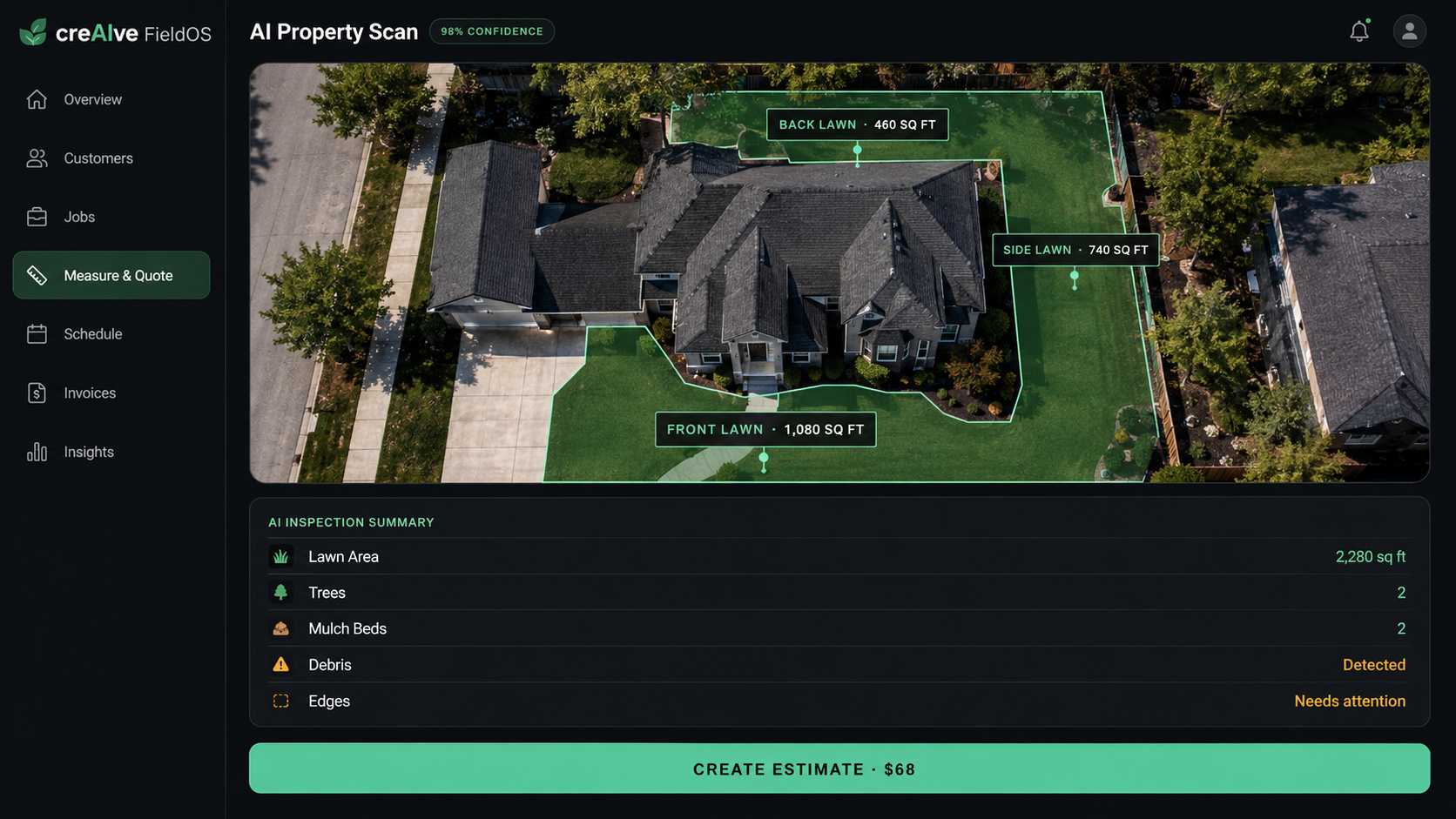
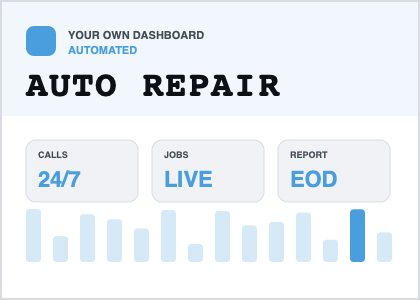
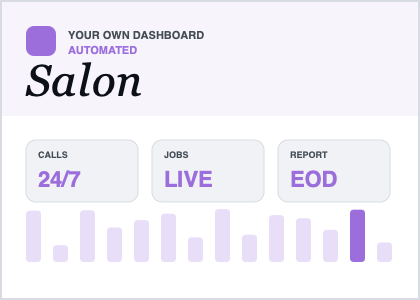
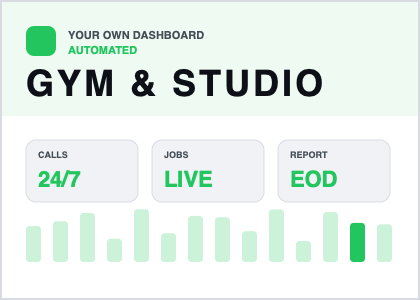
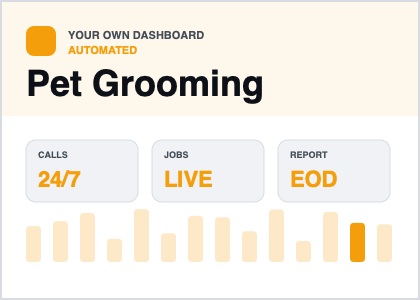
Every business gets its own dashboard, generated for its trade and named after it. Automated end to end, around the clock.
Your own custom system. Not a shared one.
Every business that signs up gets its own dashboard, generated for its trade and named after it. Your operations, your notes, your customers, your reports. Nothing shared, nothing third-party.
A different OS for each business.
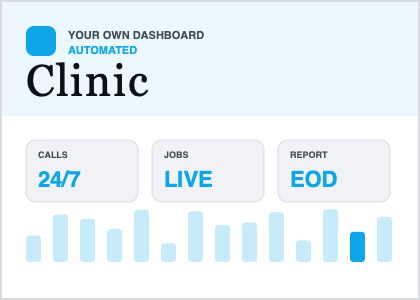
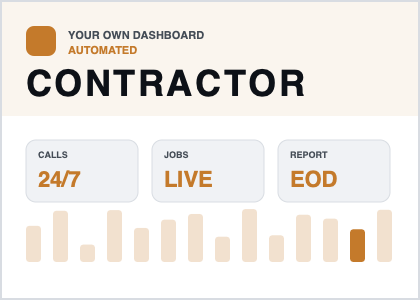
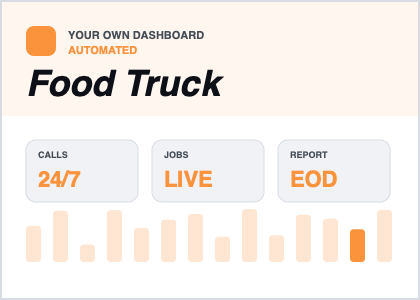
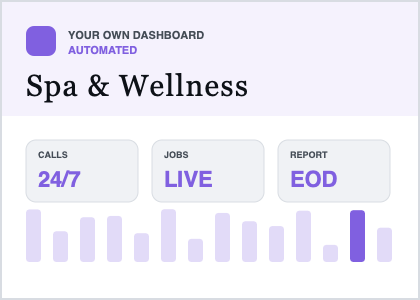
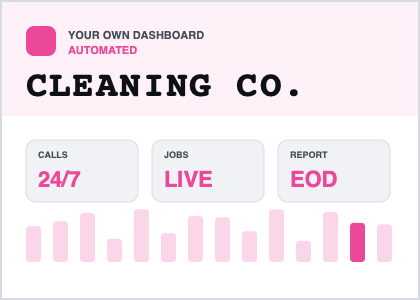
An operating system for the business it was built for.
You never touch a spreadsheet and you never do the math. It runs your day, keeps you in the loop, and hands you a clean report at the close of each day, each week, and each month.
Open it once a day and see exactly what is happening.
You do not have to chase anything. Every call, job, order, post, review, and dollar lands in one dashboard, and the platform tells you what changed while you were working.
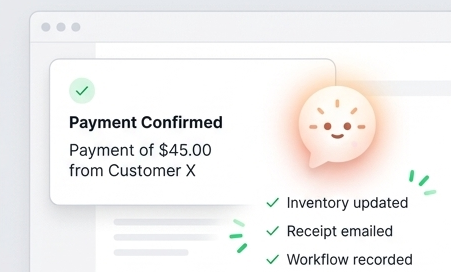
You do not need to be technical
Every dashboard comes with its own AI agent. It watches the whole workflow, front to back, and runs it. You do not configure it, connect it, or learn it. There is nothing technical to understand and no settings to get wrong.
Your AI agent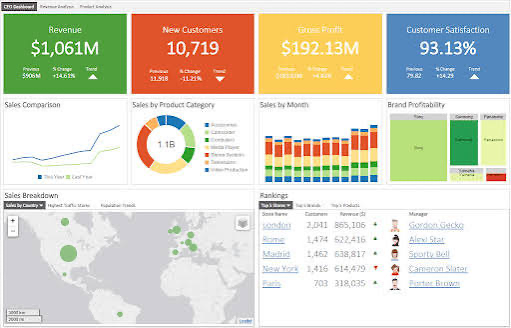
Run your business
Sales, jobs, crew hours, and campaign results are tracked as they happen. At the end of the day, week, and month you get one clean report in plain language.
Tracking and reporting
Keep customers coming back
Reminders, offers, and review requests go out on their own. Customers who go quiet are flagged before you lose them.
Customer loyaltyThe three questions owners ask first
No. There is no code, no setup, no math, and no accounting to learn. You describe your business in plain words and the platform builds and runs itself around it.
One clean report. What came in, what went out, what your crew did, how your posts performed, and what needs your attention tomorrow.
Yes. Your dashboard is generated for your business and carries your name. A landscaper and a restaurant get different workflows, not the same template in a different color.
Right now that work is split across eight logins and eight separate bills. Here is what those subscriptions cost.
Three jobs. One system.
Every capability belongs to one of three jobs. Operate the business, grow the business, understand the business. Nothing floats on its own.
Answers every call 24/7, books, and takes orders. Your front desk never sleeps.
QR table ordering, delivery, pickup, or field jobs. One queue, one context.
Every booking in one calendar, filled by the phone agent around the clock.
Clock in and out, submit job photos, and log expenses from a phone in the field.
Build shifts, set availability, notify the crew. Everyone sees it before you ask.
Profiles build themselves from calls and visits. Nothing gets re-asked.
A restaurant does not need a groomer's screens.
So it does not get them. Each business is built its own set of pages, named for the work it actually does. Here are the real rails.
These are ten of them. Clinics, spas, tree services, towing, movers, dentists, photographers, tutors, and any trade that is not on this list get the same treatment: their own pages, named for their own work.
Tonight is planned from weather, local events, bookings, and your own sales history.
Orders from the phone, the table QR, and delivery land in one queue.
The prep sheet and the staffing call update themselves when the forecast moves.
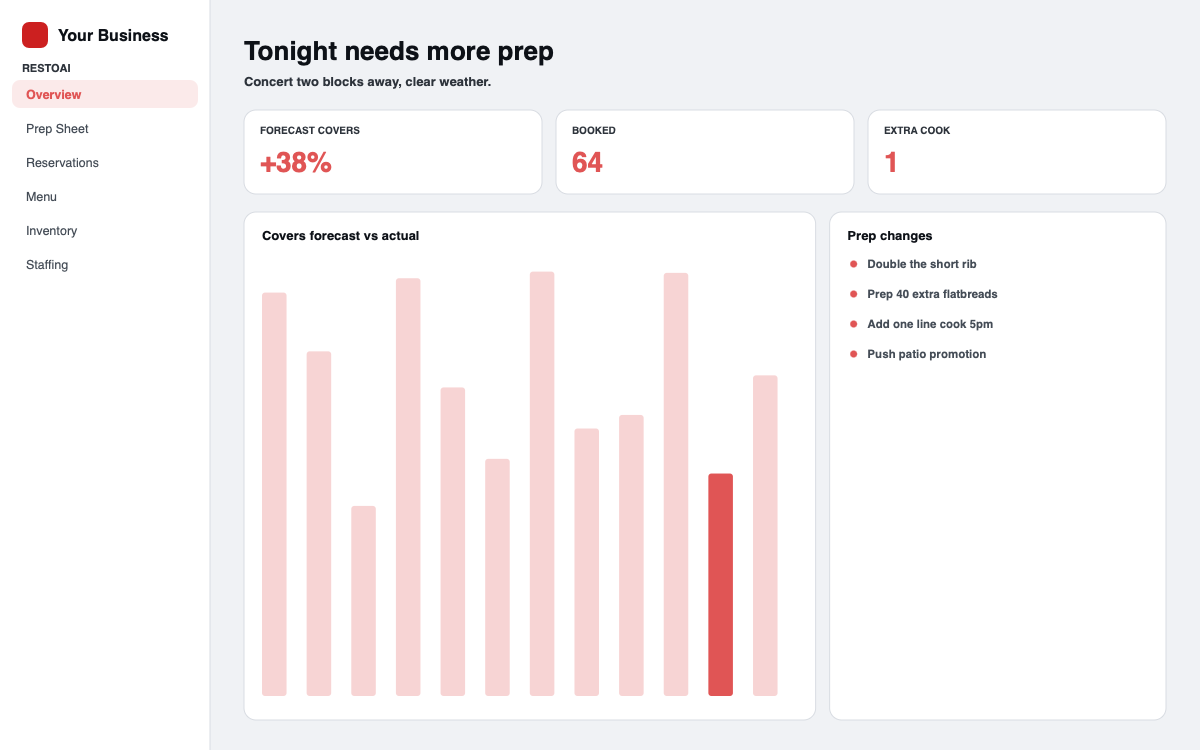
The same dashboard on desktop, tablet, and phone. Installs on any device, no app store.
Photograph the bill. The logbook writes itself.
No paper ledger, no notebook, no typing receipts in at the end of the week. Your manager takes one picture and the platform does the rest.
Scan it. Any receipt or supplier invoice, from a phone, in the aisle or at the back door.
It reads it. Store, date, every line item, and every amount are pulled off the image.
It files it. Sorted by store, by item, and by week. Each bill stays its own record, never merged with the next one.
You read the month. Where every dollar went, by store and by item, without opening a spreadsheet.
One signal. Six steps. Nobody touching it.
One real signal, traced end to end. The line under each step is the data the platform acted on. Only step 01 comes from the outside world — every step after it runs on its own.
4,200 seats · 0.3 mi from your door
Walk-ins trending +18% over four weeks
Samosa 30 · biryani 32 · lassi base 14
Covered by the existing roster, no overtime
SMS to 240 regulars · sends 4:30 PM
It understands your business. Sees what’s coming. Acts before you have to.
Your Business Brain learns how your business works: your customers, location, seasonality, history, services, staff, demand patterns and goals.
Then it connects that knowledge with what is happening around you, like weather, holidays, local events, calendar patterns, customer behavior and changing demand, to anticipate what your business may need next.
It doesn’t just show you data. It finds the opportunity, explains why it matters, creates a plan, and helps carry it out.
Tomorrow isn't completely random. The Brain looks at your history together with weather, seasons, holidays, local activity and customer patterns to anticipate when demand could rise, fall or change.
A snowstorm does not mean the same thing to a restaurant, a roofing company and a delivery business. The Brain combines outside conditions with your business model, customers, location and history before deciding what matters.
Knowing what may happen isn't enough. The Brain turns that prediction into an operational plan for your business.
When the action is safe and reversible, the Brain handles it automatically. Instead of giving you another dashboard to manage, it helps manage the business.
The Brain can think independently without taking control away from you. Anything involving money, pricing changes, major commitments or customer promises waits for your approval.
After the day is over, the Brain compares its expectation with reality. That feedback becomes part of how it understands your business the next time.
What does the Brain see?
One Business Brain. Different thinking for every business. Pick one.
The point isn’t that CreAIve knows one industry.
It learns how your business thinks.
Proof, not promises.
Real work, from real accounts, with what the platform has already done underneath it.
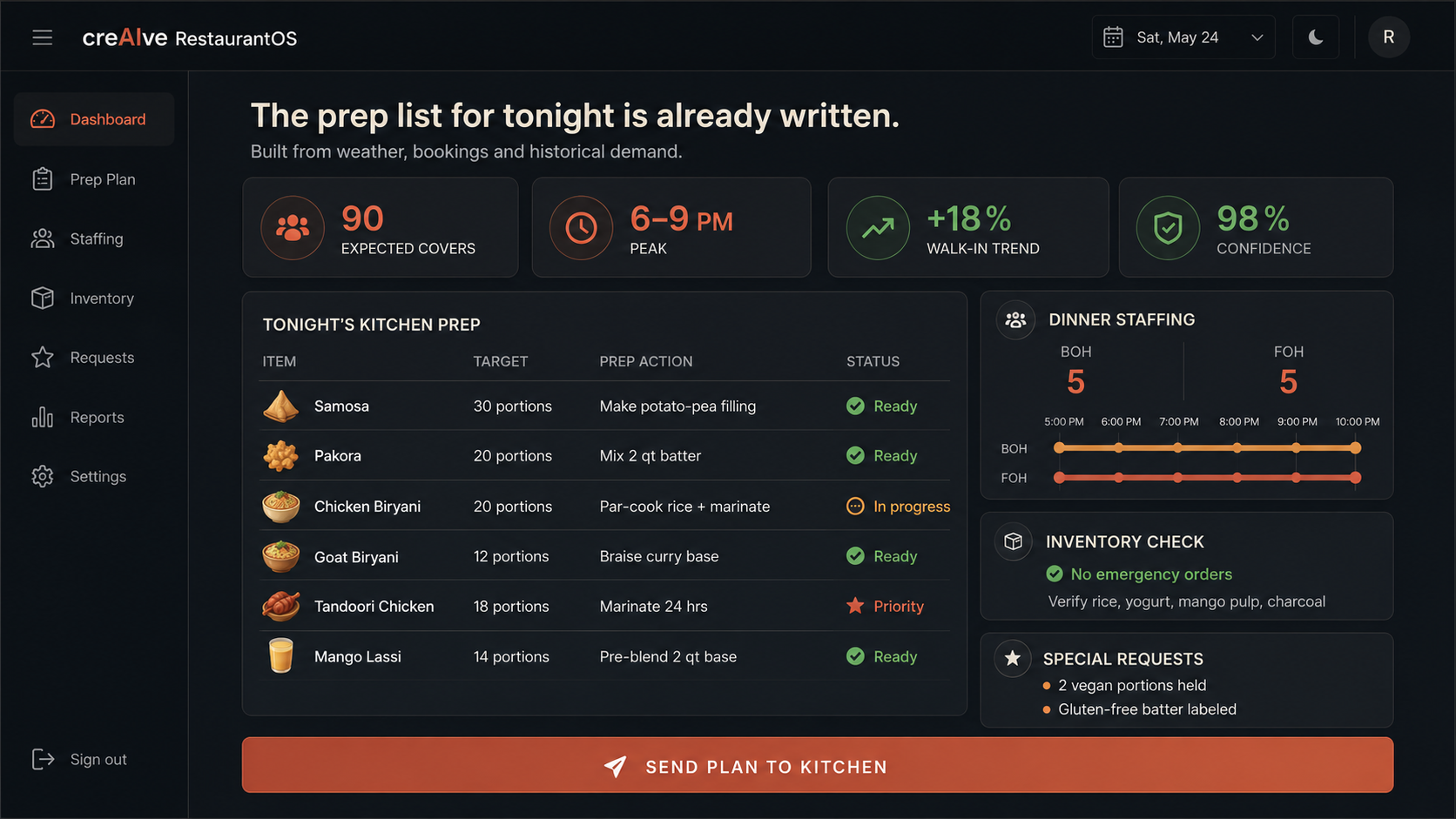
Tonight’s prep list wrote itself before the kitchen opened.
90 covers forecast · 6–9 PM peak · roster and inventory already checked
Common questions
Your own operating system, built only for your business
Describe your business and CreAIve Labs builds your system around it. Your operations, your notes, your reports, running on their own. Free to start, no developer, no contracts.
It runs in your pocket · No app store needed